Tagged Explanations
Attach searchable tags to each MCQ and show them during review.
Level Up
Together we will mark the Milestones.
Every MCQ attempt builds the confidence, speed, and clarity students need for the next milestone.
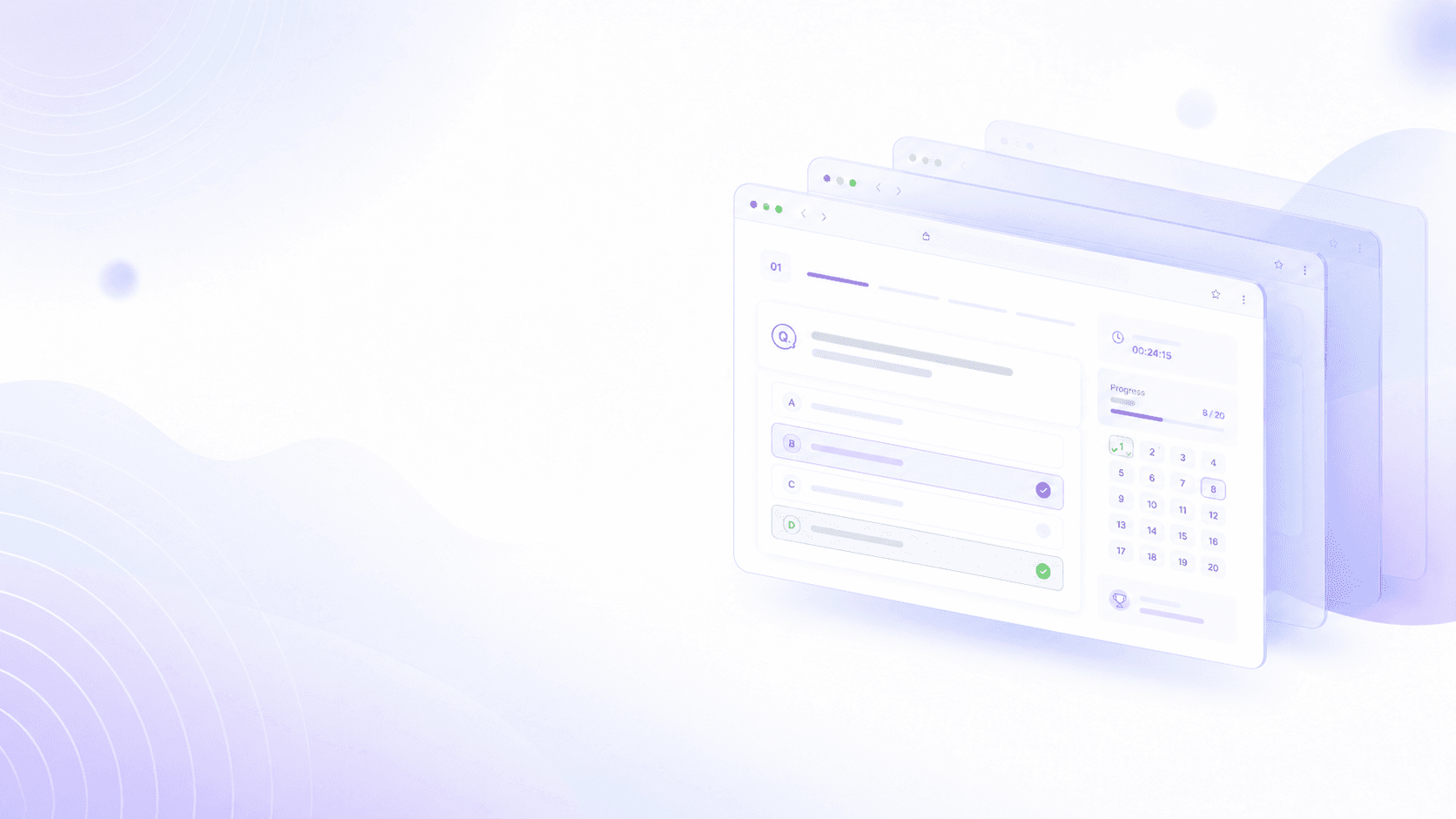
Learners solve topic-wise questions, revisit explanations, and build exam recall through repeated attempts.
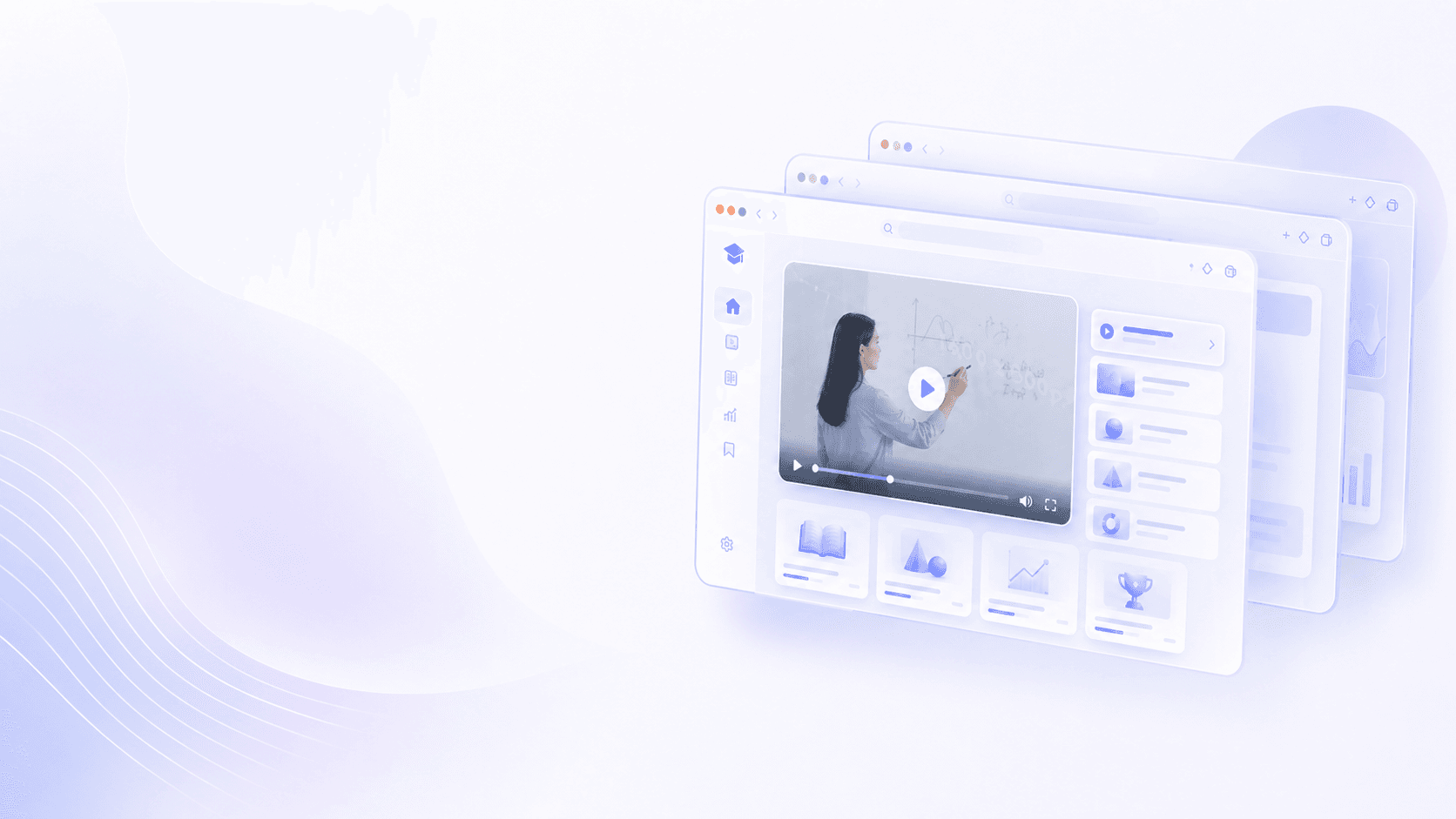
Video lessons, notes, and reference material stay organized in one clean learner workspace.
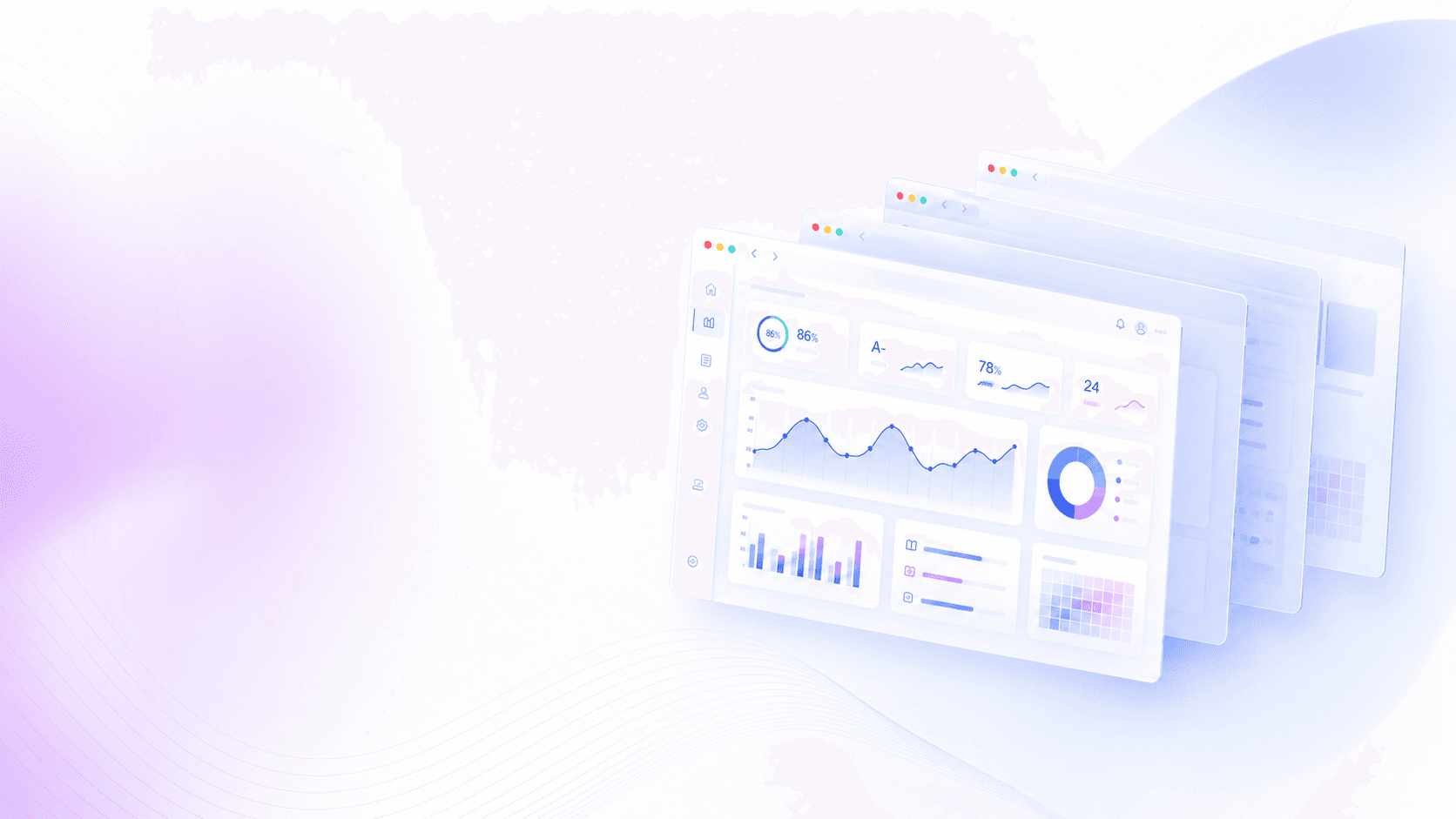
Reports show accuracy, skipped items, timing, and weak areas after every test session.
Level Up brings MCQs, lectures, notes, live tests, and reporting into a composed workflow. Learners get clarity, educators get structure, and teams get dependable oversight.
Tagged MCQ explanations with source context
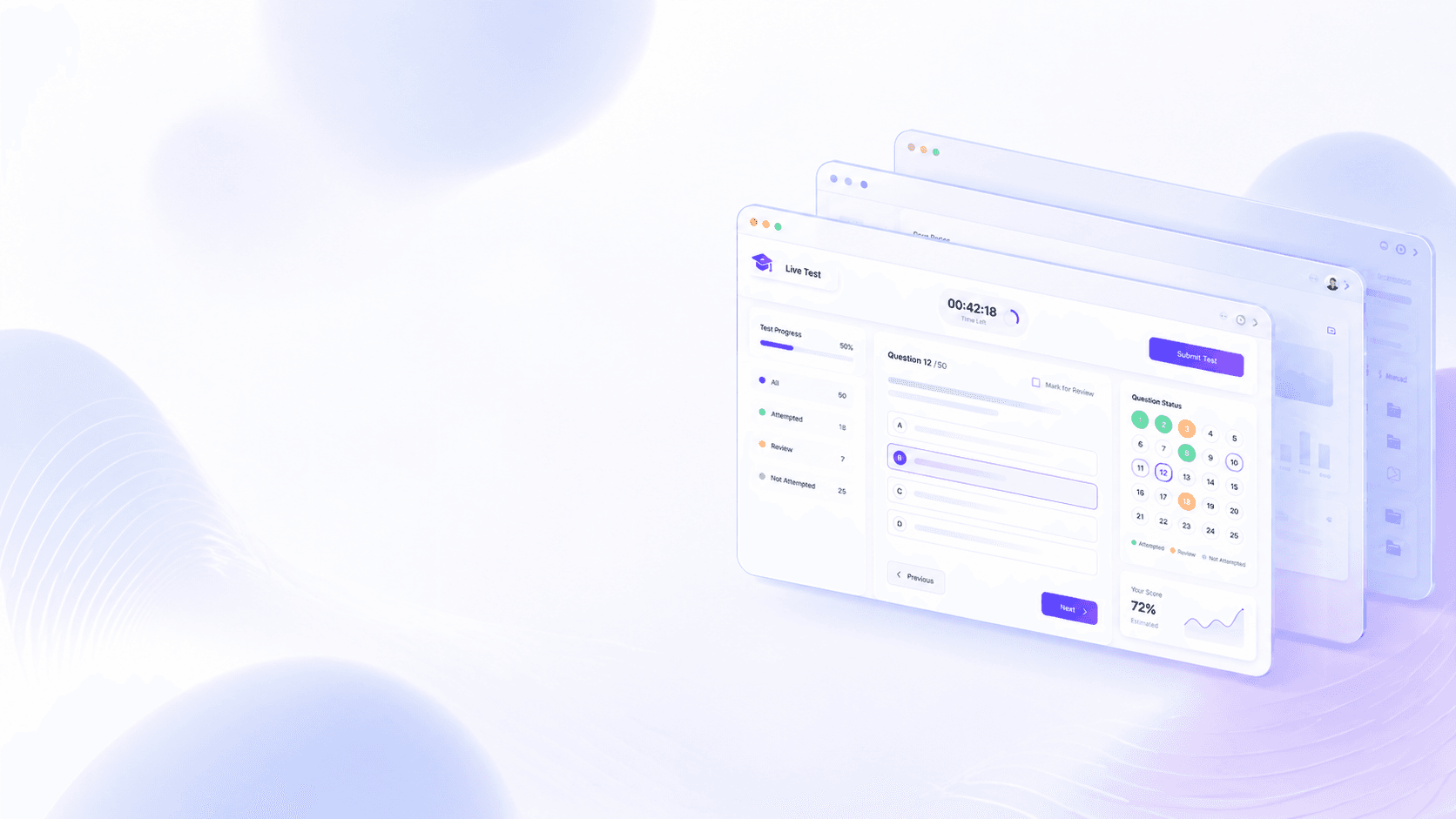
Timed practice and live assessment workflows
Rich notes, images, and video support
Clean dashboards for every user role
Bulk import pipelines for question banks
Attempt history with review-ready analytics
A 12-part toolkit keeps creation, delivery, review, and oversight connected without making the learner experience heavy.
Attach searchable tags to each MCQ and show them during review.
Run focused sessions with clear time tracking and submission flow.
Schedule controlled tests with structured participation.
Keep lessons available beside practice and revision material.
Upload reference material and keep it easy for learners to access.
Review scores, timing, skipped items, and answer-level detail.
Give admins, creators, managers, and learners focused tools.
Approve visibility and participation from a secure workflow.
Move validated question banks into the platform with less manual work.
Let learners revisit every answer with the right context.
Coordinate content, users, and learner support from one place.
Keep everyday learning operations consistent and measurable.
The interface stays calm and direct, while the admin side keeps the controls needed for real learning operations.
Practice, watch, revise, and review performance without losing focus.

Create question sets, attach explanations, and organize learning material quickly.
Manage users, permissions, content flow, and platform activity with confidence.
Level Up is designed for daily use: upload material, publish assessments, monitor attempts, and help learners understand what to improve next.
01
Prepare learning material
02
Publish assessments
03
Track learner attempts
04
Review improvement areas